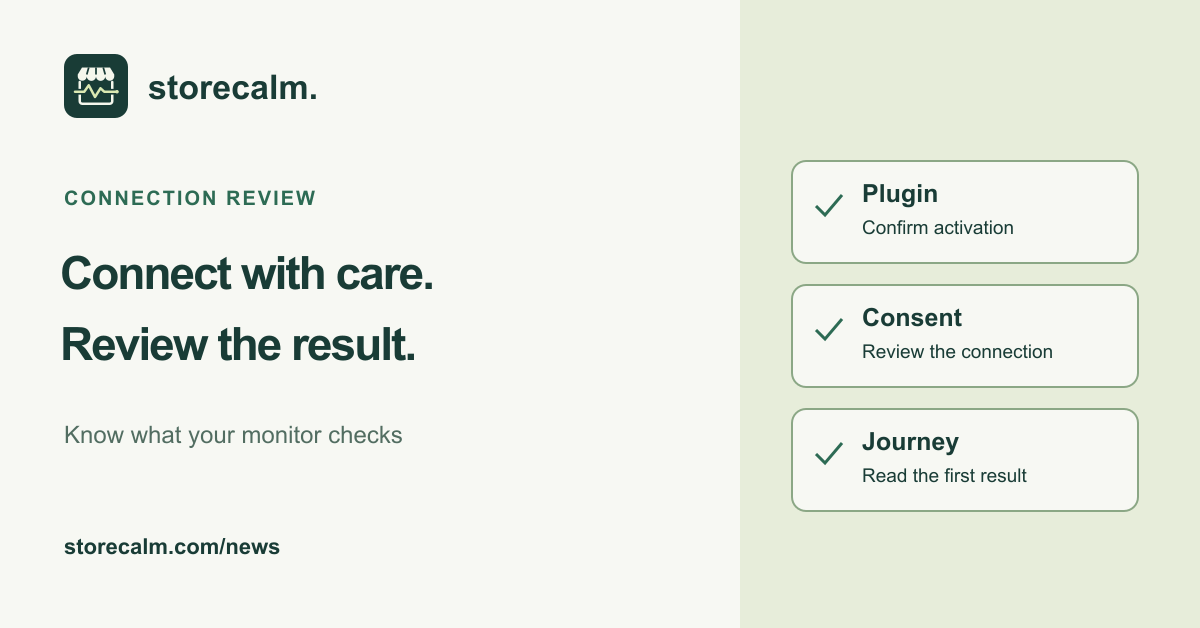
Before handing over monitoring for the weekend, check what has actually been connected and reviewed. Installing a plugin, activating a service connection and interpreting a checkout result are separate steps. Our StoreCalm setup guide explains the process. A short handover record helps the next person understand what they can rely on and what still needs attention.
Confirm the plugin and the intended store
WordPress separates plugin installation from activation. In the Plugins screen, check that StoreCalm Connector is active on the store you intend to monitor. Read the plugin details and setup instructions before changing anything. The free download and official WordPress directory listing are linked on this page.
Next, compare the exact public HTTPS store address in your StoreCalm dashboard with the site you are reviewing. Record the store and the person responsible for its monitoring. Keep account access and license details private. A handover should explain who owns the setup without copying credentials into a shared checklist.
Review the service connection and consent
StoreCalm's setup instructions explain how to obtain the store license, enter it in Settings > StoreCalm, confirm data sharing and activate the license. Our plugin sends no telemetry before an administrator consents. Review that connection separately from the fact that the WordPress plugin is active.
For a connected store, our plugin page describes software versions, the site URL, heartbeats and plugin update events among the data sent. Read the current consent and product information with the administrator responsible for the store. If activation fails, record the displayed error and follow the setup guide. Do not include the license in a support request.
Read the first result before completing the handover
For checkout monitoring, configure an in-stock product URL, destination country and postal code, then review the first result. Our automatic browser checks use an anonymous cart and stop before order submission and payment. Healthy describes one configured run. Inconclusive needs investigation; it is not a healthy checkout or evidence of a completed purchase.
Record the product and destination behind that result, when it was reviewed and any unresolved limitation. Include the colleague who will investigate a failed or inconclusive result. A single configured route does not verify every variation, shipping address or payment gateway. Review custom cart integrations because adding a product can have side effects.
Use our product guide and plans linked here to understand the monitoring scope, and keep the free StoreCalm Connector download with the setup instructions. Finish with a clear owner and next action for anything unresolved. That makes the handover useful even when the first check needs more investigation.
Sources and further reading
- WordPress: Manage Plugins
- StoreCalm: Getting started
- StoreCalm: Free monitoring plugin and consent
- StoreCalm: Checkout monitoring guide
Sources checked on 26 October 2026.