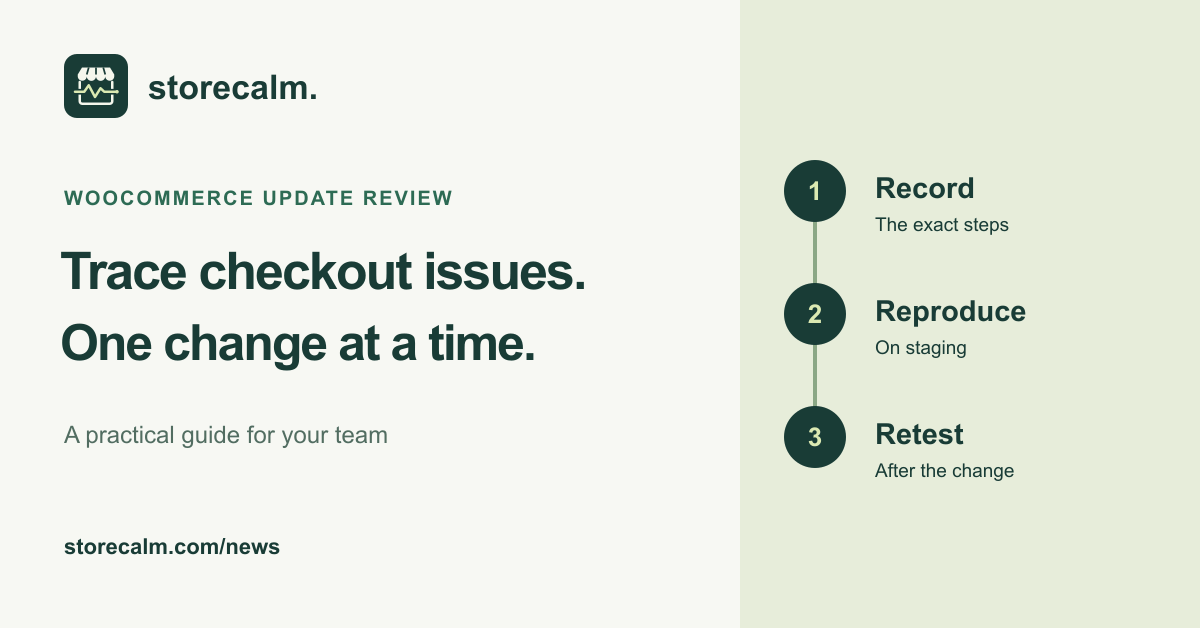
WooCommerce released version 11.2.0 on 7 October 2026. Its release notes include security fixes and say a database update is required. That makes this a useful moment to review your update plan and the checks you will run afterwards. If checkout behaves differently, start with a reproducible description instead of assuming the newest plugin caused it.
Read the release notes before updating
Read the official release notes and update guide linked below. One specific advisory concerns PublishPress Future: WooCommerce reports that versions 3.0.0 through 4.10.3 can cause a fatal error with WooCommerce 11.2. If you use it, the advice is to update PublishPress Future to 4.10.4 or later first. This does not establish compatibility for every other extension.
Have a current backup and use staging for the update review. Decide who will check the result, which store journeys matter and how you will respond if a check differs from its expected outcome. Keep the release note beside your own change record so the team can distinguish a known advisory from an untested suspicion.
Write down the journey that failed
Record the time, starting URL, product or variation, quantity, destination and exact point where the journey stopped. Note whether the shopper was signed in and what message appeared. A screenshot can help, but keep customer details out of your troubleshooting notes. Include the result you expected as well as the result you observed.
Open WooCommerce > Status and use Get System Report to collect the installed software and environment context. The official status documentation explains the report, including plugin and theme versions. Review it before sharing through an appropriate support channel. A list of versions gives useful context; it is not a diagnosis by itself.
Reproduce the same kind of session
Use the recorded steps on staging and try a fresh anonymous browser session if that matches the failed journey. Keep the selected product and destination consistent. A successful check from an administrator account can leave the original question unanswered if the failure happened for an anonymous shopper.
WooCommerce documents Health Check troubleshooting mode as a way to change plugins and theme for your browser session while visitors keep their usual setup. It also warns that this can behave differently from actually disabling components and produce misleading results. Use that limitation when interpreting a test. A separate anonymous monitoring browser does not share your administrator troubleshooting session.
Change one component at a time on staging
WooCommerce’s conflict guide describes testing with a default WordPress theme or Storefront and disabling plugins apart from WooCommerce and the extension being investigated. Follow the full guide for your setup and reproduce the same steps at each stage. Re-enable other plugins individually and note when the behaviour changes.
Keep a short record of the active theme, active plugins and observed result for each attempt. Avoid changing several unrelated settings between attempts, because that makes the result harder to interpret. If the problem remains in the reduced setup, widen the investigation with your developer or host instead of declaring a plugin conflict.
If a particular combination reproduces the issue, give the relevant developer the minimal steps and the environment context. Describe what you tested and what you saw. Let the evidence support the conclusion, and retest any proposed correction before applying the reviewed change to production.
Retest after the reviewed change
Repeat the original journey after the correction, then run the other checks in your update plan. Check the public result after deployment as well as the staging result. Record who reviewed it and when. Do not turn one successful attempt into a promise that every product, address or payment method works.
Our StoreCalm monitoring checks a configured anonymous product-to-checkout journey and stops before order submission or payment. Healthy describes that run. Inconclusive needs investigation. Monitoring can give your team a result to examine alongside its own review, but it does not identify a conflicting plugin or verify completed payment.
The checkout monitoring product guide and free StoreCalm Connector download are linked on this page. Read the setup and monitoring boundaries before connecting your store, then keep your wider checkout and payment checks in the update plan.
Sources and further reading
- WooCommerce 11.2.0 release notes, 7 October 2026
- WooCommerce: How to update WooCommerce
- WooCommerce: How to test for conflicts
- WooCommerce: Troubleshooting using Health Check
- WooCommerce: Understanding the System Status Report
- StoreCalm: Checkout monitoring guide
Sources checked on 8 October 2026.