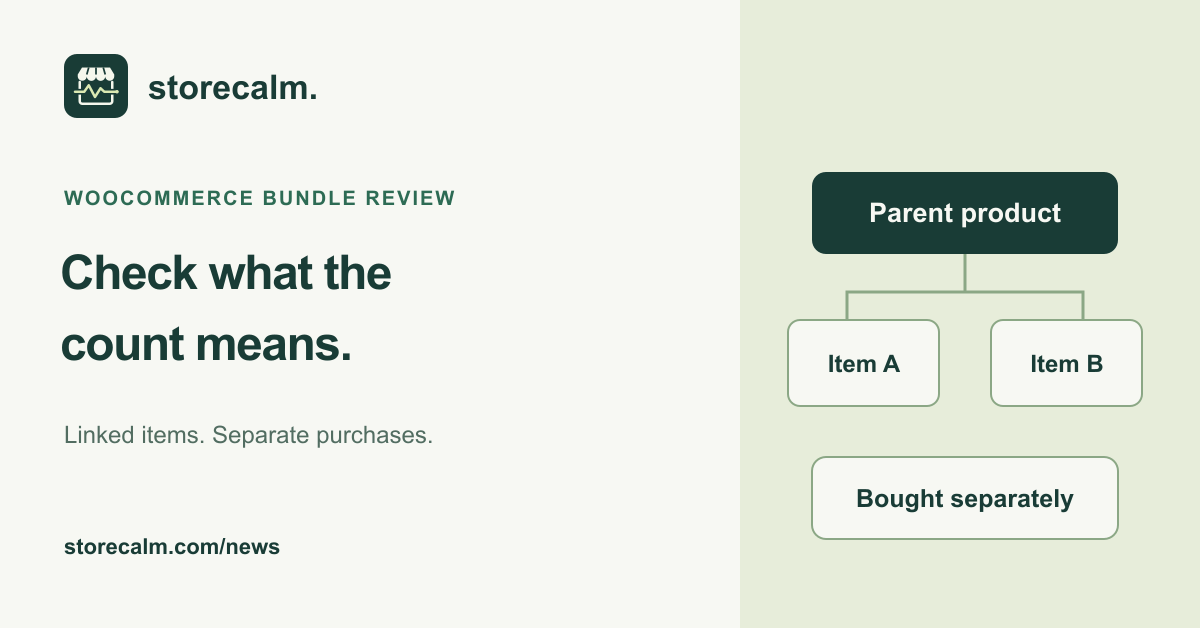
If your store sells bundles, the number beside an add to cart button deserves a closer look. A WooCommerce developer advisory published on 27 October 2026 describes a change planned for 11.3: extensions can identify cart items that belong to another item. This gives store owners a specific question to take to their extension developer before a future update.
Understand which count is changing
The advisory concerns the Product Button block, including the button within Add to Cart with Options. Products added as components can currently affect the displayed count even when the shopper did not add them separately. In 11.3, items an extension declares as children are excluded from that button count.
This depends on the extension supplying the relationship. WooCommerce does not identify bundle contents automatically. The announcement says extensions that do not adopt the filter retain the existing counting behavior. It also describes possible future uses elsewhere; a nested Cart or Mini-Cart display is not an announced result of this change.
Ask the extension owner a precise question
Give your developer the extension name, version and a representative bundle. Ask whether it adds separate cart items for components and whether its planned 11.3 support declares their parent. The official technical reference uses a cart item key, rather than a product ID, to identify that relationship.
Keep the answer with the update record. A statement about the new field does not establish that your entire theme, bundle configuration or payment route has passed acceptance. Use staging for the review and follow the official backup and update guidance before a production decision.
Compare a bundle with a separate purchase
Record the current behavior first. On an isolated test site, add the parent product and inspect a component product button. Then add the same component separately and compare the display with the actual cart lines. Record the exact software combination and the expected result for your store.
Also review what happens when the parent is removed. The technical documentation explains that a remaining child loses its reported parent relationship and counts as standalone. The relationship field does not itself remove a product that should not be sold alone. Ask the extension owner to confirm that business rule, and note any unexpected retained item.
Keep the evidence separate
A correct button count is one observation. Review the cart quantities, prices and route to checkout separately, and arrange any payment acceptance test through your payment provider's documented process. Do not infer completed payment from a cart screenshot.
Our StoreCalm automatic checkout checks use a configured product and an isolated anonymous cart. They stop before order submission and payment. Healthy describes that configured run reaching the expected checkout; it does not certify every bundle, the new count behavior or compatibility with 11.3. Inconclusive needs investigation and is not Healthy.
Make the next review easy to repeat
Keep the product URLs, screenshots, build details and unresolved questions together, with an owner for follow-up. Recheck the official release information before updating a live store. This article is preparation for an upcoming version, not a recommendation to install a beta in production.
StoreCalm provides monitoring within its published scope. Our checkout monitoring product, current plans and free StoreCalm Connector download are linked below, so you can review that scope alongside your own bundle acceptance work.
Sources and further reading
- WooCommerce: Parent and child cart item advisory, published 27 October 2026
- WooCommerce developer docs: Marking cart items as children
- WooCommerce: How to update WooCommerce
- StoreCalm: Checkout monitoring and its boundaries
- StoreCalm: Free Connector and download
Sources checked on 28 October 2026.