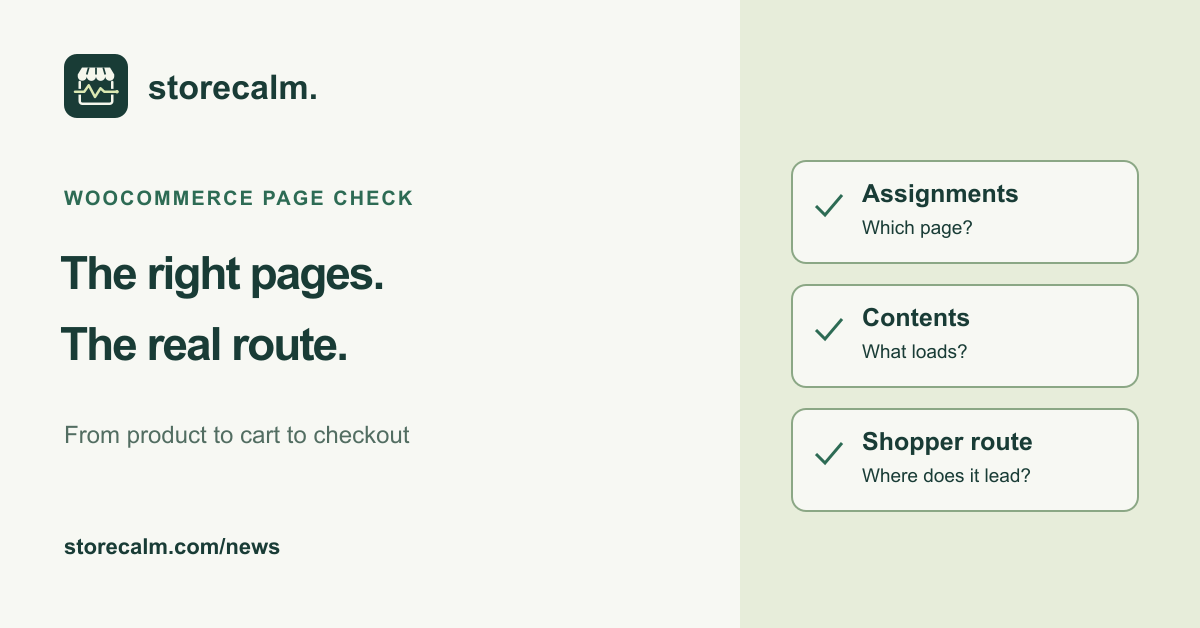
A page called Checkout is not enough to establish that your store sends shoppers to the right place. After a redesign, a page replacement or a navigation change, take a few minutes to compare the selected WooCommerce pages with the journey a visitor actually follows. This evergreen review starts with the existing setup, before anyone changes it.
Record the pages WooCommerce is using
Open WooCommerce > Settings > Advanced and review Page setup. Note which pages are assigned to Cart, Checkout and My account. WooCommerce uses these assignments for its core store actions. The selected pages can differ from the originals created during installation, so compare the actual selections rather than assuming a familiar title identifies the right page.
Cart, Checkout and My account need separate pages. Record the existing selections and their public addresses before proposing a change. A menu link and a WooCommerce page assignment answer different questions: one tells visitors where a link leads, while the other tells WooCommerce which page to use. Check both when a page has been replaced.
Check the selected page and its contents
Open the assigned pages in the editor and on the public site. Confirm that the intended cart or checkout content is present, using the blocks or legacy shortcodes appropriate to your current implementation. An empty page with the expected title does not provide that function. Preserve custom content and the existing layout while investigating a difference.
WooCommerce documents tools for creating missing default pages. Treat those as a repair option after identifying what is missing, not as a routine step in this review. If a change is needed, agree the scope, prepare a backup and try it on staging first. Record the original settings so your team knows what was changed.
Follow the route a shopper actually takes
In a fresh private browsing session, visit the product linked from your campaign, add the intended option and follow the store controls from cart to checkout. Record the destination addresses, visible contents, device and time. Repeat the route on a phone. Stop before placing an order or beginning payment; this review does not verify a completed purchase.
Our StoreCalm monitoring product checks a configured anonymous product-to-checkout journey as a separate signal. Automatic checks stop before order submission or payment. Healthy describes that configured run. Inconclusive needs investigation. Use the linked product guide to understand the scope, and use the plans and free StoreCalm Connector download on this page when considering monitoring alongside your own checks.
Sources and further reading
Sources checked on 18 October 2026.