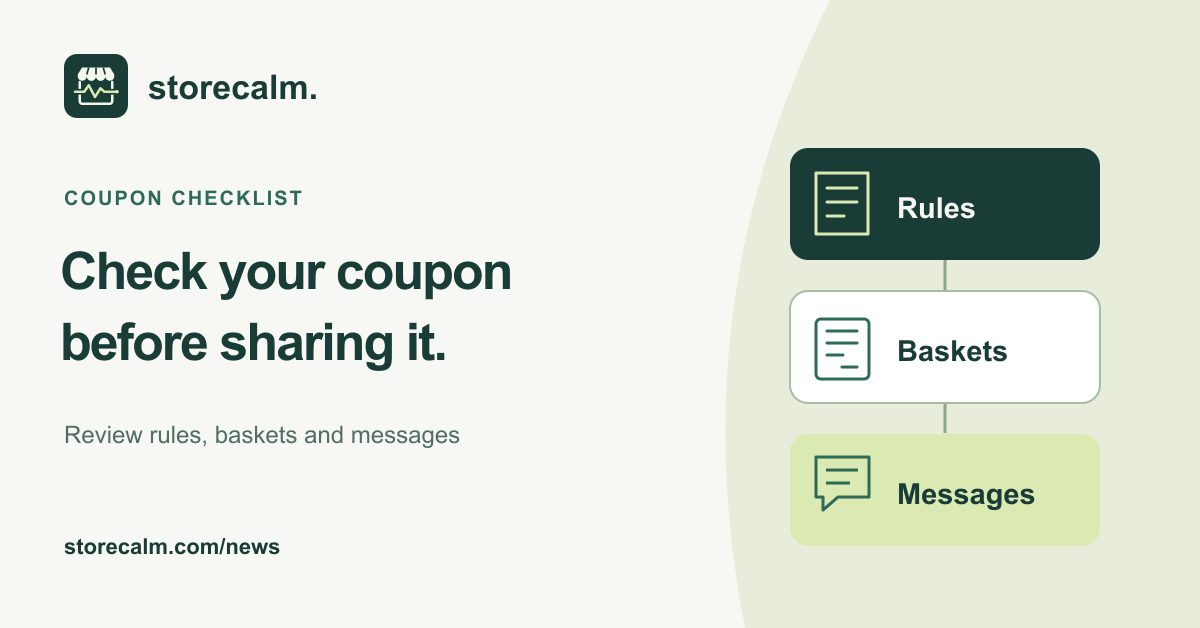
An offer can be clear in a campaign plan and confusing in a cart. Before you share your next autumn promotion, check the actual coupon against a few small baskets. This evergreen guide is a practical review for your team, whether the code is new or left over from an earlier campaign.
Start with the offer shoppers will read
Put the campaign wording beside the coupon settings. Write down what receives a discount, who can use the code and when the offer ends. Include exclusions in the customer wording where they matter. A technically valid coupon can still disappoint if the advertised promise is broader than the rule you configured.
Choose one person to own the check and one place to keep the results. A simple note with the coupon code, review time and expected outcome is enough to make a later handover useful. Treat this as preparation advice, not evidence that a particular store has a problem.
Read the saved rules
WooCommerce core supports percentage, fixed cart and fixed product discounts. Confirm that the saved type and amount match the offer. Review the expiry date carefully: its documentation says the coupon cannot be used on the date set. Do not assume it stays available through that entire day.
Review minimum and maximum spend, included or excluded products and categories, sale item exclusions and whether the code may combine with another coupon. Check any billing email restriction and the overall and per-user usage limits. For minimum spend, WooCommerce uses cart subtotal plus tax. Read the core coupon documentation linked below for the details, and check separate extension documentation if your store adds rules.
Try baskets that should pass and fail
WooCommerce’s launch checklist recommends trying a valid discount code and an invalid one. Build on that with a short list for your own campaign: one basket that qualifies, one that deliberately misses a condition, and one near any spending threshold. Write the expected result before applying the code so a plausible-looking total does not become your only check.
Use products and variations that represent the offer. Apply the code, inspect the displayed discount and read any rejection message. Change the quantity or remove an item, then review the result again. Repeat the selected cases in a fresh session on a phone. During this coupon review, stop before submitting an order; it does not verify payment processing.
Keep a useful record for launch day
Save the expected result, observed result and review time for each case. If something differs, capture the relevant cart details without customer information and ask the person responsible for the configuration to investigate. Retest after a correction. Do not infer a plugin conflict or another cause from a rejected code alone.
Before the campaign starts, compare the final wording and code with the reviewed version. Record who will handle questions and when to recheck the offer. These small notes make it easier to respond to a customer without reconstructing the promotion from memory.
Keep monitoring and coupon reviews together
Our StoreCalm monitoring follows a configured anonymous product-to-checkout journey. Its automatic checkout checks stop before order submission or payment. Healthy describes that configured run; it does not establish that your campaign coupon or a completed payment works. Inconclusive needs investigation.
Use the monitoring signal alongside the manual coupon cases above and your wider store checks. The product guide and free StoreCalm Connector download are linked on this page. Review the setup and monitoring boundaries before connecting your store, then keep your campaign-specific checks in your own preparation record.
Sources and further reading
- WooCommerce: Managing coupons
- WooCommerce: Ecommerce website launch checklist
- StoreCalm: Checkout monitoring guide
Sources checked on 7 October 2026.