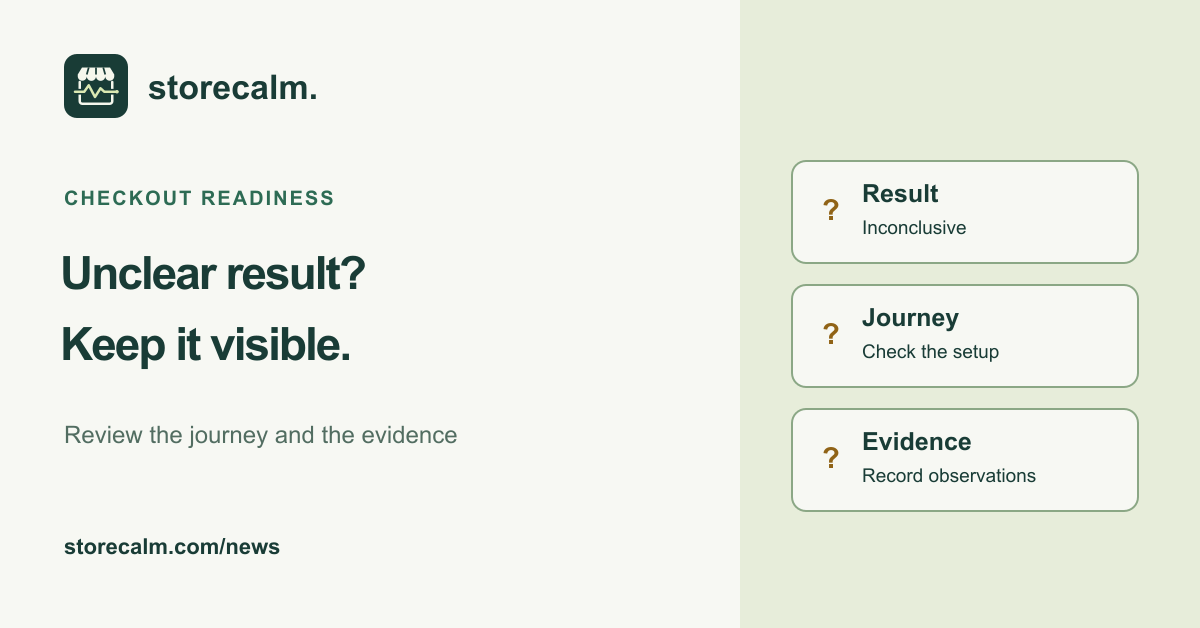
An Inconclusive checkout result leaves a question open. It deserves a review before your team treats the store as ready for the week ahead. Start with what the configured check attempted, then collect enough context to choose a useful next step. Avoid turning an uncertain result into either a reassuring status or an assumed diagnosis.
Keep the result and diagnosis separate
Our checkout monitoring guide says to investigate Inconclusive. It is not Healthy. StoreCalm checks an isolated, anonymous journey from a configured product to checkout, and checkout customizations, themes, gateways and bot protection can affect whether a result is conclusive.
Healthy describes the configured journey reaching the expected checkout during one run. Automatic checkout checks stop before order submission and payment. Neither that result nor a later recovery proves a completed purchase, every gateway working or every delivery destination being available.
Revisit the configured journey
Review the product URL, whether the product is still in stock, and the destination country and postal code configured for the check. Keep these details together with the observed result. A different product or destination changes the question you are asking the store to answer.
Compare the journey with the store behavior your team intends to monitor. A customized checkout may require its own acceptance work. Our published compatibility page describes a specific verified fixture, so use it as a boundary rather than assuming every store combination behaves the same way.
Collect evidence before changing settings
For a checkout page that stalls, WooCommerce recommends identifying whether it uses classic checkout or the Checkout block and inspecting the failing request. The visible symptom alone does not establish the cause. Record when it happened, the reproduction steps and the first relevant error for the responsible developer.
Use staging for controlled troubleshooting where possible. Review connected services and documented test modes before reproducing a problem, because a staging copy can still send email or affect external systems. Remove customer details, credentials, cookies and security tokens before sharing diagnostic material.
Verify the same journey after a change
After an agreed change, compare the same product and destination with the earlier observation. Record what was changed and what the next result actually shows. Keep unresolved questions visible until there is evidence to answer them. Payment acceptance remains a separate test with the responsible people and the payment provider's documented test process.
Our StoreCalm product guide and plans explain the monitoring service. The free StoreCalm Connector download is linked below, together with setup guidance, so you can review the configured journey before relying on its result.
Sources and further reading
- StoreCalm: Checkout monitoring guide
- StoreCalm: Getting started
- StoreCalm: Compatibility and support
- WooCommerce: Endless loading/spinner on the checkout page
Sources checked on 26 October 2026.