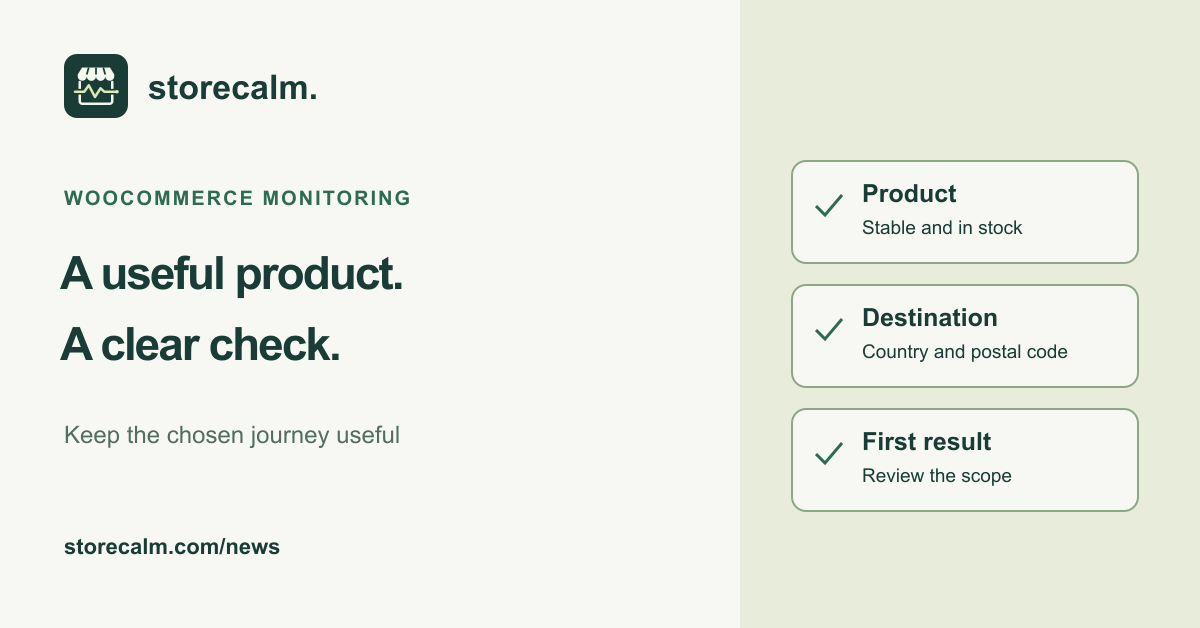
A checkout result is easier to investigate when everyone knows which product and destination it represents. Before seasonal promotions change your catalogue, review the item used for monitoring and write down why you chose it. This evergreen guide explains how to make that choice useful, keep it current and understand the limits of a successful run.
Start with the journey you want to observe
Decide what this check should help your team notice. A straightforward product can provide a consistent route from its public page to cart and checkout. A more complex item may involve additional selections or integrations that deserve their own review. Write a short purpose statement, such as watching the ordinary product-to-checkout route for a chosen destination. Keep it specific enough that another person can interpret a later result.
Avoid choosing a temporary promotional item simply because it is prominent today. Ask whether the page and stock position are likely to remain useful after the campaign. If the monitored item is retired, redirected or unavailable, that change becomes part of the investigation. A documented choice gives the person responding to an alert somewhere concrete to start.
Review the real product and its requirements
WooCommerce distinguishes simple products from variable products, whose variations can have their own price and stock settings. Review the actual item and any required option before treating it as a representative route. An available product page alone does not establish that the intended option can be added to the cart.
Open the product in a fresh private browser session and follow the choices a shopper must make. Note required selections, custom product fields and any cart extension involved. Stop before order submission or payment. This is a manual review of the route, not evidence that every customization is supported by an automatic monitor. Do not remove genuine stock controls or change a live selling item merely to obtain a green result.
Record the StoreCalm configuration and review its first result
Our StoreCalm monitoring product uses a configured in-stock product URL, destination country and postal code. Its isolated browser adds the product to an anonymous cart and opens checkout. Automatic checks stop before order submission and payment. Custom cart extensions can still have side effects, so review your integrations before relying on the setup.
After configuring monitoring, review the first result against the journey you intended. Healthy describes that configured run. Inconclusive needs investigation. A successful run does not establish that every address, shipping option or payment gateway works, and it does not confirm a completed sale. Keep the destination and chosen product beside your operational notes so those limits stay visible when someone reads the result.
Give catalogue changes a monitoring handover
Assign someone to review the configuration when the chosen item changes. Include its public URL, relevant options, destination, last review date and the person responsible in the handover. Before a product is replaced or a campaign page is removed, check whether monitoring still points to a useful route. Record the change and review the next result rather than assuming the old interpretation still applies.
Keep separate manual checks for other important products and journeys. One monitored route cannot describe an entire catalogue. Compare an unexpected result with the current product page, recent changes and the documented setup before drawing a conclusion about the wider store. The linked StoreCalm checkout guide explains our monitoring scope. You can also review our plans and download the free StoreCalm Connector through the links on this page.
Sources and further reading
Sources checked on 19 October 2026.