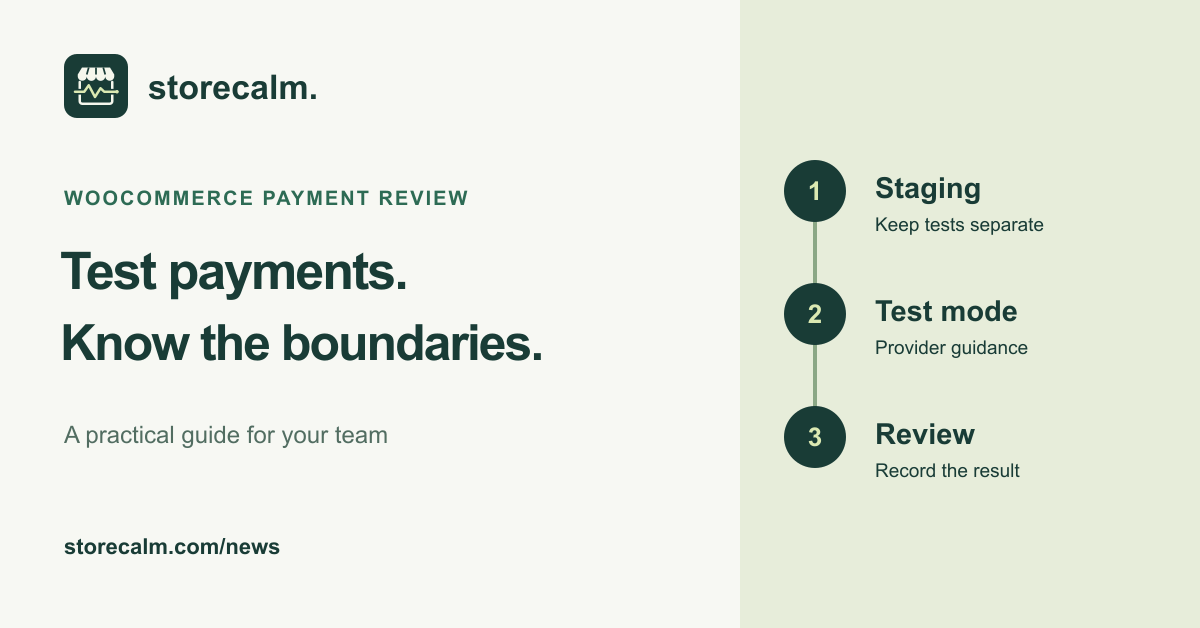
Before the weekend, give your payment review a clear boundary. A test order can help you inspect a checkout journey, but it can also reach connected services. Decide where the test will run, which gateway mode it will use and who will check the result before anyone places it. This is practical preparation, not a new product announcement.
Start with staging and the connected services
WooCommerce recommends running test payments on a staging site. Its testing guide warns that test orders can send order emails and appear in analytics. Other extensions or services may treat them like real orders. Review the handling of each integration before testing, especially anything that starts fulfilment or sends information elsewhere.
A copied store is a starting point for that review, not evidence that its integrations are isolated. Write down the site address and the services still connected. Have the responsible person confirm which actions the test is allowed to trigger and how the test orders will be handled afterwards.
Check the payment provider and its mode
Follow the documentation for the gateway you actually use. For WooPayments, the official testing guide explains how to enable test mode under Payments > Settings and save the change. It uses simulated payment details for testing. Do not substitute a real purchase and refund for a test: WooPayments says the fees on live transactions are not returned.
WooPayments also documents dedicated test accounts. These differ from switching a live account into test mode. Check the account indicators and the current instructions for your situation rather than assuming that every staging copy has the same setup. A different gateway needs its own documentation.
Keep a useful record of the result
Choose the journey you want to review and note the product, destination, payment method and expected result. After the authorised test, record what happened and where you checked it. For WooPayments, its guide points to WooCommerce > Orders and Payments > Transactions for reviewing a test card payment.
WooPayments adds test notices and order notes to its test orders. That is a gateway-specific feature; do not assume every integration recognises those markings. Keep test outcomes separate from real sales when reporting the review, and assign responsibility for any remaining issue.
Keep monitoring and payment testing separate
Our StoreCalm monitoring follows a configured anonymous product-to-checkout journey and stops before order submission or payment. Healthy describes that run. Inconclusive needs investigation. A monitoring result therefore cannot replace the separate payment review or prove a completed purchase.
Use the product guide and free StoreCalm Connector download linked on this page to understand the monitoring setup. Keep the staging test record beside your wider store checks so the person covering the weekend can see what was reviewed, when it was reviewed and what still needs attention.
Sources and further reading
- WooCommerce: Testing orders
- WooCommerce: Testing WooPayments
- WooPayments: Test Accounts
- StoreCalm: Checkout monitoring guide
Sources checked on 9 October 2026.