Before November campaigns begin, give the person covering your order queue a clear review process. An order waiting for payment and an order waiting for payment confirmation can need different attention. This evergreen guide explains the distinction and suggests a practical handover. It does not report a problem or a payment test on a customer store.
Start with the status and the payment method
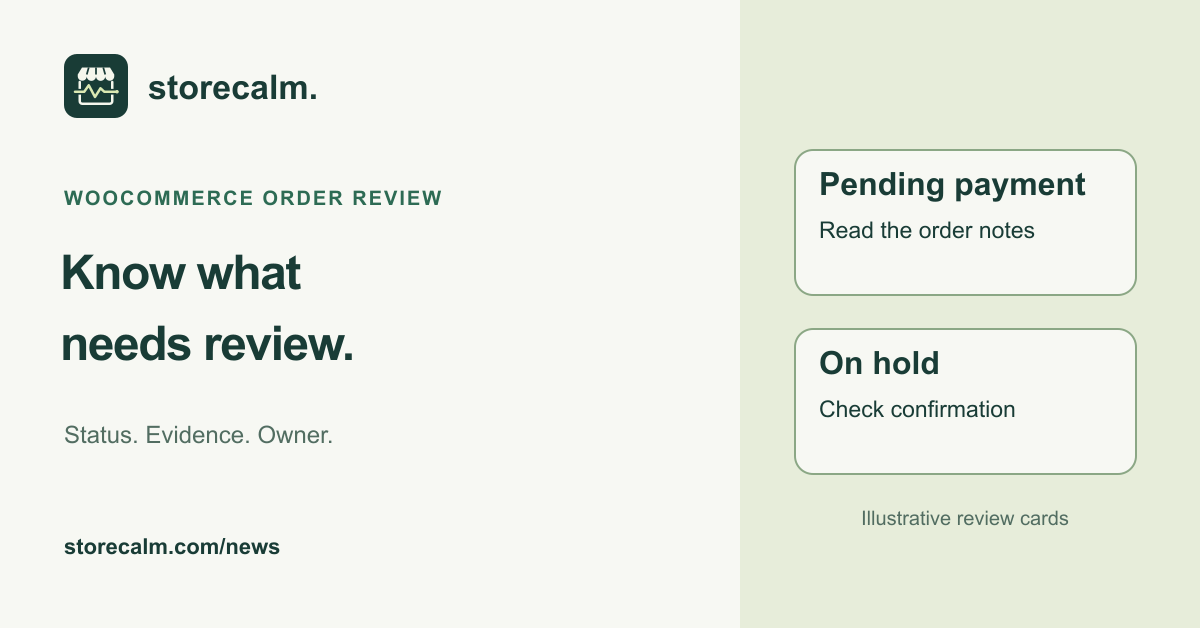
WooCommerce describes Pending payment as an order received without payment. On hold means payment confirmation is still needed; stock has been reduced. Offline methods can use On hold, and some gateways use it while awaiting delayed confirmation or separating authorization from capture.
Open the order notes and the documentation for the payment method involved. Record what confirmation your team expects and who is allowed to check it. Treat the status as the starting point for investigation. A label alone should not become an instruction to charge again, cancel an order or release goods.
Review the stock timeout separately
In WooCommerce > Settings > Products > Inventory, the Hold Stock setting controls the configured time for unpaid orders. The product settings documentation says it applies to Pending payment orders, not On hold orders. Leaving the field blank disables it. Confirm whether stock management is enabled before interpreting the saved value.
Write the current setting into the handover instead of choosing an arbitrary duration from another store. Ask whoever owns the payment integration whether the policy fits the confirmation process your store uses. If the team proposes a change, review it on an isolated test site first and keep any test messages, orders and fulfilment integrations controlled.
Keep a small record that another person can follow
For a case that needs attention, record the order reference in your private operational system, the observed status, payment method, review time and relevant order notes. Add the next check and its owner. Keep customer and payment information within the access controls your team already uses; a public support post is not the place for that record.
Write down what is still unknown. A useful handover might say that confirmation is pending and identify who can check the gateway. It should not describe an unverified transaction as a completed sale or a lost sale. Preserve the evidence before making changes, and follow your established order handling procedure.
Keep checkout monitoring within its scope
Our StoreCalm automatic checkout checks open an isolated anonymous cart, add a configured product and open checkout. They stop before order submission and payment. Healthy describes that configured run reaching the expected checkout. It does not confirm the payment state of an order, payment capture or a stock reservation policy. Inconclusive needs investigation and is not Healthy.
Use that signal alongside your private order review. A healthy monitored checkout does not close an outstanding payment confirmation task. Equally, an order waiting for confirmation does not by itself explain a failed checkout check. Keep those observations in their own records and connect them only when the evidence supports it.
Finish with one owner and one next step
Before handing over the queue, identify the unresolved cases, the person covering each one and when they should be reviewed. After a payment or checkout change, revisit the relevant procedure so the next person does not rely on an outdated note.
StoreCalm provides monitoring within its published scope. Our checkout monitoring product, current plans and free Connector download are linked below. Read those details when deciding how monitoring fits alongside your own order operations.
Sources and further reading
- WooCommerce: Order statuses and confirmation
- WooCommerce: Product inventory and Hold Stock settings
- StoreCalm: Checkout monitoring and its boundaries
- StoreCalm: Free Connector and download
Sources checked on 31 October 2026.