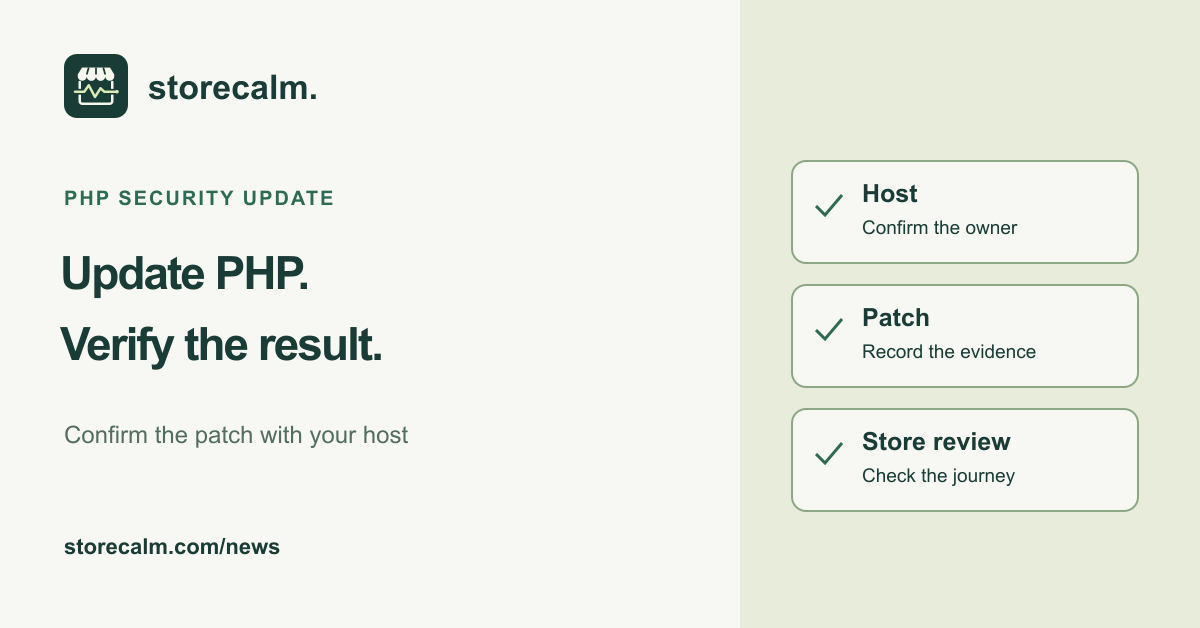
On 21 October 2026, the PHP project announced fixes for two critical vulnerabilities that can allow unauthenticated remote code execution. WordPress and WooCommerce published advisories the same day. For a store owner, the immediate job is to establish whether the PHP installation serving the store has been updated, give the work a clear owner and verify the outcome. Updating a WordPress plugin alone does not address this PHP issue.
Confirm the PHP version serving your store
The PHP project lists 8.5.12, 8.4.27, 8.3.36 and 8.2.35 as the security releases for the supported branches. It urges users to update immediately. Ask your hosting provider which corrected package is actually running for your website. Where a distribution supplies a backported fix, request its package or advisory reference rather than deciding from a short version string alone.
In WordPress, open Tools > Site Health > Info > Server to record the reported PHP version. Compare it with the host's confirmation. Keep the site address, observation time and responsible maintainer in the same note. A hosting account may contain several sites, so make the request specific to the WooCommerce store you are reviewing.
Ask for a concrete remediation status
WordPress states that no WordPress update is required or planned for these vulnerabilities; WooCommerce says the same about its plugin. The work belongs with the PHP runtime and its administrator. Ask the host whether remediation is complete, when it was applied and how they verified the active service. Avoid treating a general maintenance announcement as confirmation for your particular site.
PHP says that temporary measures reduce particular attack paths but do not make an installation safe. Do not use a passing storefront visit or a firewall notice as proof that the update is unnecessary. If immediate remediation is unavailable, escalate promptly to the host or security maintainer for a documented containment decision. Do not postpone the question until the next marketing campaign.
Prepare recovery without losing the urgency
WooCommerce's update guidance recommends a current backup and checks on staging. Ask the maintainer how those safeguards fit the urgent PHP change, including the recovery point and the person who can act if the store fails afterward. Record which environment is being tested and the package being deployed. A staging result only describes that environment and change set.
Keep unrelated changes out of the same handover where practical. If a problem appears, your team needs a usable record of what changed and when. Agree the order of verification before the host begins, along with a contact who can review the store promptly. This guide is a preparation checklist; it is not evidence that your installation has been patched.
Review store behavior after the runtime update
Once the host confirms completion, review the live product pages, the cart and the checkout route your customers use. Compare the result with your recorded expectations. Include important variations and extension behavior. Payment, shipping and order email checks need their own controlled review with the responsible team. Note an observed difference before trying unrelated fixes.
Our StoreCalm monitoring product provides a separate availability and checkout-readiness signal. Its automatic browser checks stop before order submission and payment. Healthy describes one configured run, not every checkout route or a completed purchase. Inconclusive needs investigation. Monitoring does not install the PHP fix, verify a security patch or establish that a site is uncompromised.
Close the handover with evidence
Keep the host's remediation reference, the observed runtime information, the review time, store test results and any unresolved issue together. Assign an owner and a next action to each exception. That gives the next person a factual starting point instead of an assumption that an update request means the work is finished.
The monitoring guide and StoreCalm plans are linked on this page, alongside the free StoreCalm Connector download. Use those product details to understand the monitoring scope. Keep PHP remediation and its confirmation with the hosting or security team, and use operational checks to review store behavior afterward.
Sources and further reading
- PHP project: 21 October 2026 security advisory and releases
- WordPress: Critical PHP Security Release
- WooCommerce: Critical Security Releases for PHP
- WooCommerce: How to update WooCommerce
- StoreCalm: Checkout monitoring guide
Sources checked on 26 October 2026.