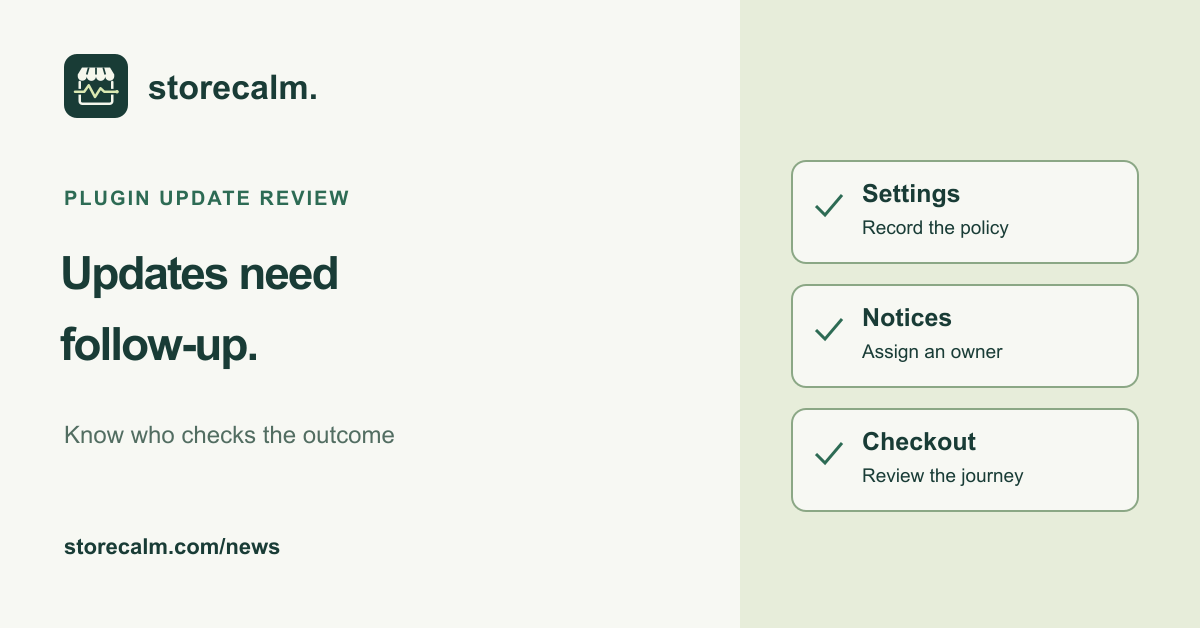
An automatic update setting still needs a person responsible for the result. Before your next WooCommerce campaign, make the handover clear: which plugins may update automatically, who reviews update notices and what happens if the storefront behaves differently afterward. This is an evergreen operating check, not a new release announcement.
Record the policy you actually have
Open Plugins in WordPress and inspect the automatic update setting for the plugins your store uses. WordPress provides controls for individual plugins and bulk changes. Record the current choices before changing them. If the controls are missing, the host or another plugin may be managing or restricting the feature. Ask the responsible maintainer to explain the effective policy.
Keep a short record with the plugin name, update approach, maintainer and escalation contact. Pay particular attention to extensions involved in product options, cart calculations and checkout. Agree how urgent security fixes will be handled. A campaign calendar should not become a reason to leave an important fix unreviewed indefinitely.
Assign someone to review the outcome
WordPress documents default email notifications for successful, failed and mixed plugin or theme auto-update attempts. Confirm who receives and reviews those notices. An absent email does not establish that everything is current. Compare the installed versions with the available update information and keep a dated maintenance note.
If an expected update has not happened, check Tools > Site Health for relevant errors. WordPress explains that automatic updates depend on its scheduled tasks. Escalate a scheduling problem to the maintainer rather than repeatedly changing settings without evidence. Record the notice, observed version and time before making another change.
Check store behavior as a separate step
WooCommerce recommends a current backup and staging checks before applying updates. Agree a recovery path with the maintainer, then review the affected store workflows after a change. Include the extensions your customers actually use. A successful software update notice is not a test of product options, shipping calculations, order emails or payment.
Our StoreCalm monitoring product adds a separate signal for a configured anonymous journey from product to checkout. Automatic checks stop before order submission and payment. Healthy describes one configured run, not every checkout route or a completed purchase. Inconclusive needs investigation. Compare an incident with recent changes, but do not assume timing proves the cause.
The product guide, plans and free StoreCalm Connector download are linked here. Use monitoring alongside a named maintenance owner and your own store review, so an automatic update has a clear follow-up rather than disappearing into an unattended inbox.
Sources and further reading
- WordPress: Plugin and theme auto-updates
- WooCommerce: How to update WooCommerce
- StoreCalm: Checkout monitoring guide
Sources checked on 21 October 2026.