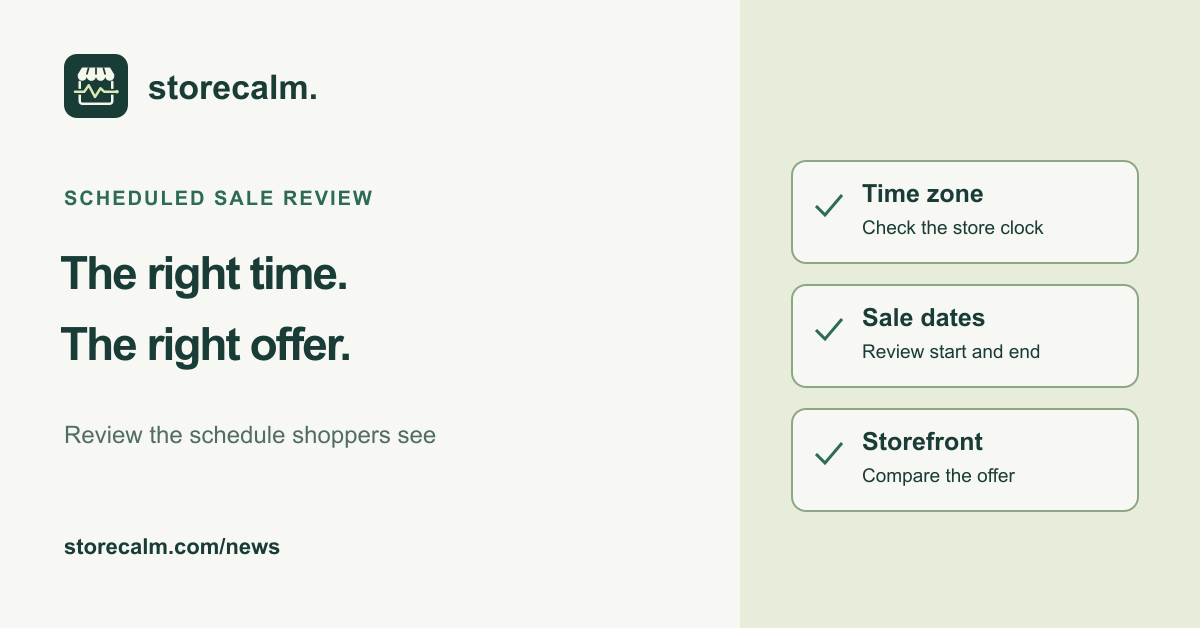
A campaign can have a clear start date in the marketing calendar while the store team is working from a different clock. Before promoting an autumn offer, record the intended time zone and compare the product schedule with what shoppers will see. This is a practical review of your existing setup, not an announcement of a new WooCommerce feature.
Record the store clock before changing anything
In WordPress, open Settings > General and review Timezone. WordPress recommends choosing a city in the appropriate time zone and provides UTC and local time information to help confirm the setting. Record the current choice and the time zone your campaign plan uses. Where daylight-saving changes apply, make that part of the review rather than assuming a familiar clock reading is enough.
Keep this separate from date and time formatting. Those controls concern how dates and times are displayed. Do not change the live store time zone simply to force an offer to begin. If you find a mismatch, agree the correction with the person responsible for scheduled work, record the original value and test the proposed change on staging first.
Compare the actual product schedule with the offer
WooCommerce documents a Schedule option alongside the sale price for setting start and end dates. Review the affected product and its saved dates against the campaign brief. For a variable product, check the relevant variations and their pricing. If an extension controls the promotion, review that extension's own timing rules instead of assuming the core product controls describe it.
Write down which item should show which offer, the intended dates, the campaign time zone and who will check the result. Plan a storefront review when the offer begins and another when it ends. Use a fresh visitor session and compare the product page with the cart. Record what you observe before changing settings or clearing evidence of a difference.
Keep the monitoring result in its proper scope
Our StoreCalm monitoring product provides a separate signal for a configured anonymous journey from product to checkout. Its automatic checks stop before order submission and payment. Healthy describes that run. It does not prove that a promotion started at the intended time, that every price is correct or that a payment completed. Inconclusive needs investigation.
Use the product guide linked on this page to understand those boundaries. The plans and free StoreCalm Connector download are also available here. Combine monitoring with your documented promotion review, and keep a clear owner for any difference between the planned offer and the public store.
Sources and further reading
Sources checked on 20 October 2026.