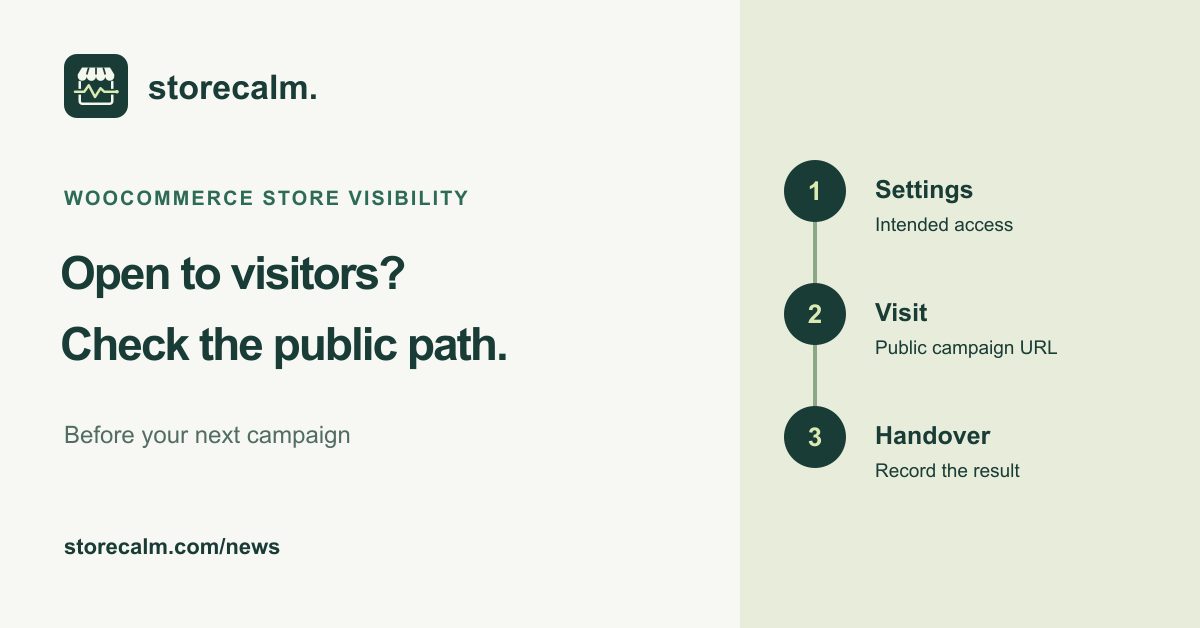
Your team can see the store. Can a new visitor see it too? Before a weekend promotion or a store launch, give the public route a short review. This evergreen checklist separates WooCommerce visibility settings from the experience a customer actually gets. It does not announce a new feature.
Check the setting that controls visitor access
Open WooCommerce > Settings > Site visibility and review whether the store should be Coming soon or Live. Coming soon can apply only to store pages, so an accessible homepage does not establish that the shop is open. Authorized users and people with a private link can have a different view from the public.
The admin-bar visibility badge is a useful signpost, but its display toggle only shows or hides that badge. It does not change visitor access. Record the actual visibility setting and ask the person responsible for the launch to confirm the intended state before changing it.
Follow the campaign path as a new visitor
Open a fresh private browsing session without signing in or using the private preview link. Start with the exact public landing URL planned for your campaign. Follow the route to a representative available product, the cart and checkout. Stop before placing an order. Repeat the visible route on a phone and note any access screen or unexpected redirect.
If the public view differs after a visibility change, check the relevant server cache with your host. WooCommerce documents that caching can delay the visible change, and its developer guidance covers clearing cache when visibility settings change. Follow the instructions for your own hosting setup instead of changing unrelated plugins at the same time.
Leave a small, useful handover
Write down the public URL, review time, intended visibility, observed result and person who owns any follow-up. Include the device used and the point where the route stopped. Keep private preview links out of campaign copy and public support screenshots. If someone corrects an issue, repeat the affected public route before the campaign starts.
Our StoreCalm monitoring product checks a configured anonymous product-to-checkout journey. Automatic checkout checks stop before order submission or payment. Healthy describes that run, not a completed purchase or every campaign landing page. Inconclusive needs investigation. Use the linked product guide to review that scope, and find our plans and free StoreCalm Connector download on this page.
Sources and further reading
- WooCommerce: Coming soon mode and Site visibility
- WooCommerce developer docs: Visibility changes and server cache
- StoreCalm: Checkout monitoring guide
Sources checked on 16 October 2026.