WordPress released version 7.1.4 on 28 October 2026 and recommends updating immediately because it contains security fixes. For a WooCommerce team, the useful next step is to establish who owns that update and how its completion will be checked. Do not let an assumption about background updates become the entire maintenance record.
Start with the version actually installed
Open the WordPress Updates screen or ask the person responsible for hosting to confirm the installed version. Record the time and who checked it. If an automatic update has already finished, verify its result before starting another update. The release announcement says background updates begin automatically on sites that support them; that is not evidence that your particular store has completed one.
Keep this security release separate from a feature upgrade. WordPress 7.2 remains a development release in the announcement. A beta is not a substitute for completing the appropriate security update on your live store. Follow the current official instructions for your installed branch and involve your host if the update path is unclear.
Prepare a short, owned maintenance window
Confirm a current backup and a usable recovery route before making changes. WordPress documents the update process and backup preparation, while WooCommerce recommends testing store updates on staging. Keep staging isolated from real payment and outbound message integrations. Use a recent copy that represents the live theme and extensions.
Name the person applying the update and the person reviewing the store afterward. Keep the installed WordPress, WooCommerce, theme and gateway versions in one record. Avoid adding unrelated changes to this security task. If a problem appears, knowing exactly what changed makes the first investigation more useful.
Treat the security recommendation as urgent work. A normal monthly maintenance date is not a reason to postpone it. If your usual staging process cannot run promptly, involve your host or developer in a timely plan and record any remaining acceptance work.
Review the shopper route after the update
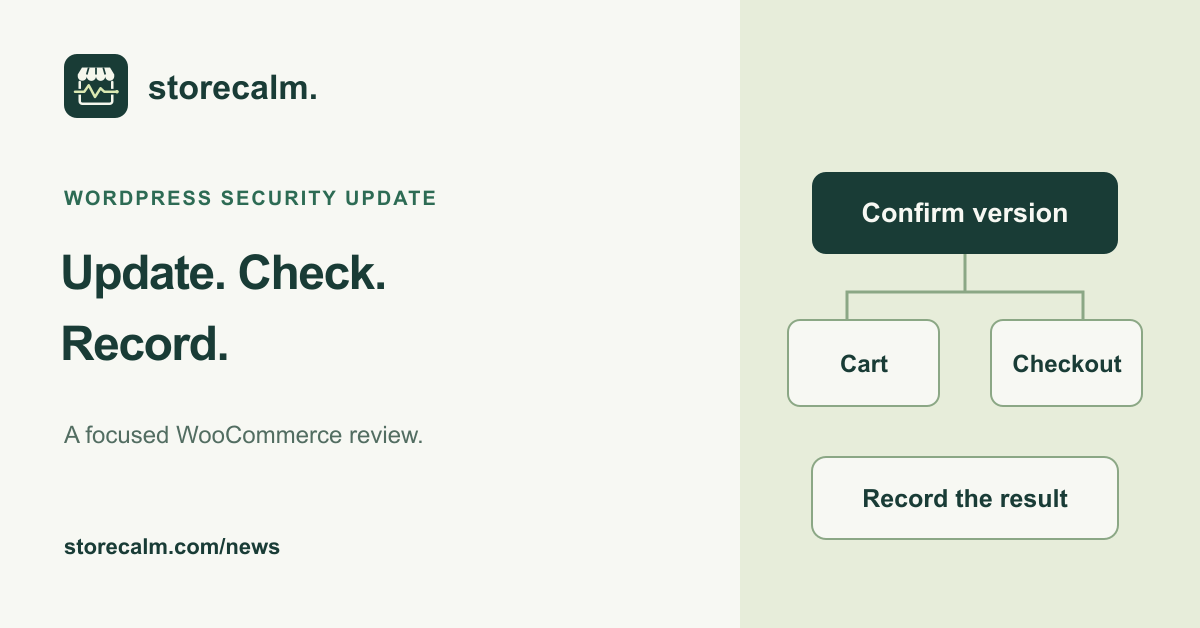
After the update reports completion, confirm the installed version again. Open representative product pages and check that the expected item can reach the cart. Continue to checkout on desktop and mobile, using the address and customer route your store expects to support. Record the specific route and any visible error.
Arrange a separate payment acceptance check through your gateway's documented test process. Decide in advance how test orders and messages will be handled. Reaching checkout, seeing a payment option and completing a payment are different observations; write down which one you actually verified.
Read monitoring results within their scope
Our StoreCalm automatic checkout checks add a configured product to an isolated anonymous cart and open checkout. They stop before order submission and payment. Healthy describes that configured run reaching the expected checkout. It does not verify completed payment, every address or compatibility with the new WordPress release. Inconclusive needs investigation and is not Healthy.
Compare the check time with the maintenance record and review any failure evidence. Timing can help you investigate; it does not establish that the update caused a problem. StoreCalm's published compatibility page describes its verified fixture separately. Do not treat this article as a new compatibility test result.
Leave a record the next person can use
Keep the final version, review time, named owner and unresolved checks together. Include the relevant screenshots or error references without copying customer details into a public ticket. A clear handover should say what passed and what remains open.
StoreCalm provides monitoring within its published scope. You can review our checkout monitoring product, current plans and free Connector download below. Use those signals alongside the acceptance work your own store requires.
Sources and further reading
- WordPress: 7.1.4 security release, published 28 October 2026
- WordPress documentation: Updating WordPress
- WooCommerce: How to update WooCommerce
- StoreCalm: Checkout monitoring and its boundaries
- StoreCalm: Published compatibility scope
- StoreCalm: Free Connector and download
Sources checked on 29 October 2026.