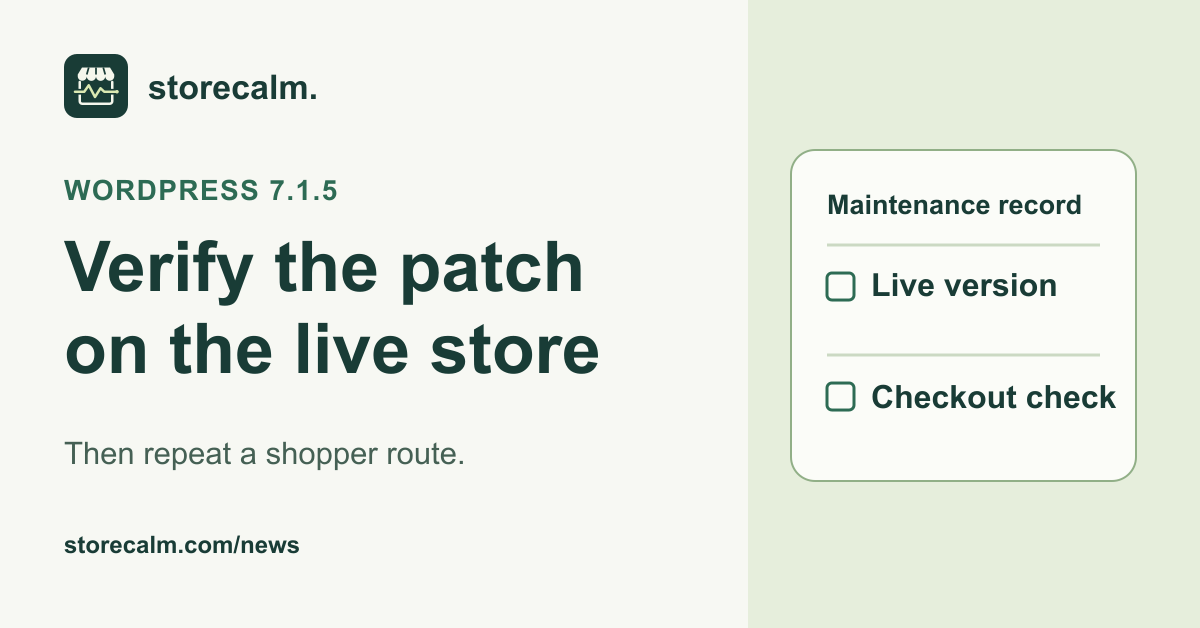
WordPress released version 7.1.5 on 18 November 2026 to fix several security issues and recommends updating immediately. If you look after WooCommerce stores, give each live site a short record of what was installed and what you checked afterward. A managed host or an automatic update can apply the patch while your team is doing other work.
Check the version on the live site
Start with the public store address and open the corresponding WordPress dashboard. Record the installed core version, the time of your check and who applied or verified the update. If you manage several stores, keep one row per live installation. For WordPress Multisite, confirm the network update with the network administrator and choose representative storefronts for the follow-up.
WordPress says background updates can start automatically on sites that support them. If your host handles updates, ask for confirmation tied to the live installation rather than relying on a general maintenance notice. Where the installed version is still unclear, label it unverified and give the follow-up an owner. A newer version on staging does not tell you what shoppers use.
Keep the urgent change focused
If the update still needs to be applied, use your established security update procedure promptly. Check that the backup and restore route are available, and use a test copy when it can be done promptly. If you lack the necessary access or the update fails, involve the host or maintainer immediately. Leave a note of the exact version seen and the error they need to investigate.
Where your maintenance plan allows, apply the core update separately from discretionary theme or extension changes. That gives you a clearer comparison if the shop behaves differently afterward. Record any other changes that were necessary at the same time. The WordPress 7.2 release candidate belongs on a test site and is a separate decision.
Repeat a shopper route after the update
Use a fresh browser session and a product you have already recorded. Open the product page, select the same variation if it has one, add it to the cart and load checkout. Record whether the expected item, quantity and totals are present. If a step fails, note the page, time and what you saw. For a store with a custom route, identify the route you actually followed.
Use a separate, authorised acceptance exercise when you need proof of payment or order completion. Our StoreCalm monitoring follows a configured checkout journey and stops before order submission and payment. A Healthy result describes that run. Treat an Inconclusive result as a reason to review the evidence and repeat the relevant manual check.
Write down both outcomes
Keep the core version and the shopper check in separate fields. For example, version 7.1.5 can be confirmed while a custom checkout route is still awaiting review. Assign any unresolved item and agree who will follow up. The StoreCalm product guide and free Connector download below explain how to add monitoring alongside that maintenance record.
A useful handover includes the storefront address, verification time, version, test product and final step reached. If an issue affects only a payment method or customer role, name that difference. Store the evidence where the next maintainer can find it, with customer and payment details removed from screenshots.
Sources and further reading
- WordPress 7.1.5 official security release, 18 November 2026
- WooCommerce update and post-update guidance
- StoreCalm guide to WordPress release candidate testing
- StoreCalm checkout monitoring
- Get the free StoreCalm Connector
- Download the free StoreCalm Connector ZIP
Sources checked on 19 November 2026.