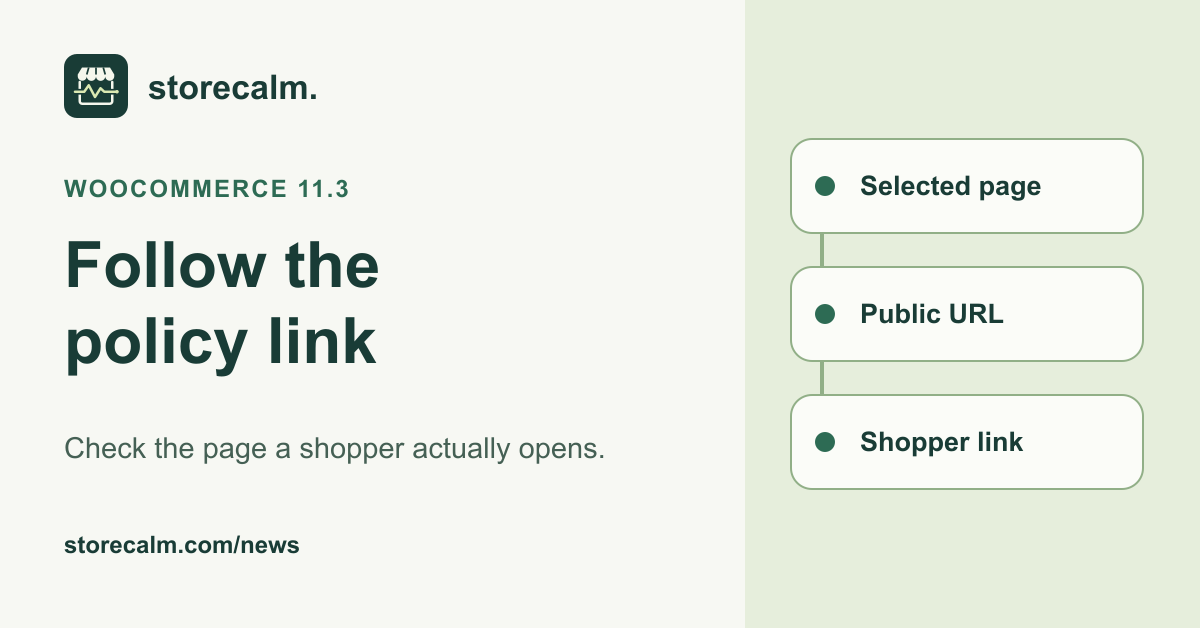
WooCommerce 11.3.0, released on 11 November 2026, adds a setting for a refund and returns policy page. The release notes say WooCommerce labels the selected page in the Pages list and adds structured data linking to it. Before your next November offer, use that change as a prompt to follow the page all the way from its selection to the link a shopper opens.
Record the page your store intends to publish
Start with the existing policy your store team maintains. Note its page title, published URL and the person responsible for its content. Confirm that this is the destination the store intends to show customers. That small record helps when several similarly named pages, old translations or earlier campaign pages exist.
If you are adopting the new WooCommerce setting, review the selection on staging as part of the update. Record which page was chosen and compare its public URL with your intended destination. Follow WooCommerce’s update preparation guidance, including a current backup and staging review, before making the live change.
Open the published destination as a shopper
Open the public URL in a browser session where you are signed out of the store. Check that the page loads, its heading identifies the expected policy and the text can be read without administrator access. Compare the address you arrive at with the one recorded by the store team, including any redirect.
Repeat on a phone. Read far enough down the page to check that the content is usable beyond the heading. Look for a sign-in prompt, missing section or overlay that makes the text hard to reach. If the store publishes several languages, record which language you tested and which version each customer link opens.
Follow the links customers actually use
Check the policy link in your store navigation or footer, then inspect any policy reference on the campaign or product page. Follow each one and compare the destination. A page can be available at its direct address while an older menu item still points somewhere else. Record the source page as well as the final URL.
Include the cart and checkout if your store presents policy information there. Use the route and template customers will encounter, and stop the review before placing an order. The release notes describe page selection and structured data. Keep the visible links in your theme and custom content within this separate manual review.
Leave a useful record after a change
If a link leads to the wrong place, give your maintainer its source URL, the link label, the destination you expected and the page that actually opened. Add the time, device and language. After the correction, repeat that same route and record the new result. Repeat the public link check after a page rename, language change or menu edit. Keep the old and new URLs together so the next person can see which route was corrected.
Our StoreCalm monitoring follows a configured shopper journey to checkout. Automatic checks stop before order submission and payment. Healthy describes that run, and Inconclusive needs investigation. Keep the policy page and link observations beside the monitoring record. The links below explain our monitoring product and provide the free StoreCalm Connector download.
Sources and further reading
- WooCommerce 11.3.0 release notes, 11 November 2026
- WooCommerce update guidance
- StoreCalm review of public store visibility
- StoreCalm checkout monitoring
- StoreCalm Connector setup
- Download the free StoreCalm Connector ZIP
Sources checked on 18 November 2026.