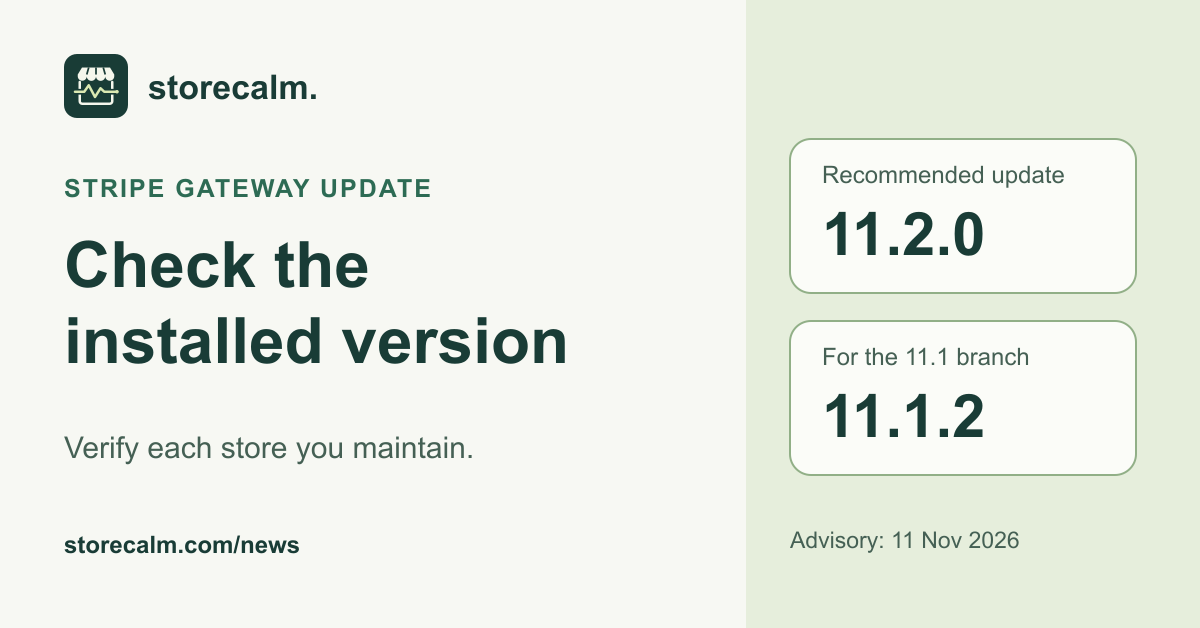
On 11 November 2026, WooCommerce published a security advisory for its Stripe Gateway extension. It recommends 11.2.0, or 11.1.2 for stores remaining on the 11.1 branch. Those versions require at least WordPress 6.9 and WooCommerce 11.0. If your store uses this extension, make a specific update check part of your November maintenance work.
Record the extension your store actually runs
In WordPress admin, open Plugins, then Installed Plugins, and record the gateway name and installed version. Identify the Stripe extension, rather than reading only the WooCommerce core version. If an agency or host handles updates, ask for the installed version and the time it was checked. Automatic updates being enabled does not establish that a particular update finished.
Give each store its own line in your maintenance record. Include publicly accessible staging sites that use the extension. Beside the URL and versions, name the person responsible for the update and leave room for the observed result. A short list makes an overlooked installation easier to identify than a general note saying the gateways were updated.
Resolve the update path with your maintainer
Compare the store’s WordPress and WooCommerce versions with the advisory’s requirements. If the combination needs more work, give that question a named owner immediately. Record the intended update set and the next action. Keep an unresolved dependency visible in the handover so that it cannot be mistaken for a completed gateway update.
WooCommerce’s update guide recommends a current backup and staging checks before production changes. Use a test environment with payment, email and fulfilment integrations prepared for testing. Agree how the live change will be checked and who will respond if it fails. Keep the gateway’s own instructions and the current advisory beside that plan.
Check the result and follow the shopping route
After the update, return to the installed plugin entry and record the version actually shown. Keep the before and after values together with the check time. If an update is unavailable or fails, the advisory directs merchants to WooCommerce Support with the installed extension version and the error. Review any screenshot for private information before sharing it.
Open a representative product, add the intended option to an empty cart and continue to checkout. Check the payment choices your store expects to display. Record the route and any unexpected message. Arrange payment acceptance separately using the gateway’s documented test procedure and keep that evidence alongside the update record.
Read the advisory’s separate follow-up instructions
The advisory also includes separate follow-up guidance for stores that previously used gateway version 10.9.0. Have the responsible maintainer review that section against the store’s history, rather than treating an installed-version check as the whole response. Record whether follow-up is needed, who owns it and when the decision was made. Keep customer and order details in the appropriate private support record.
Our StoreCalm monitoring follows a configured shopper journey to checkout. Automatic checks stop before order submission and payment. Healthy describes that run, and Inconclusive needs investigation. A monitoring result does not verify that a security update was installed. Use it beside the installed-version record and separate payment evidence. The links below explain our monitoring product and provide the free StoreCalm Connector download.
Sources and further reading
- WooCommerce Stripe Gateway security advisory, 11 November 2026
- WooCommerce Stripe Payment Gateway, official plugin directory
- WooCommerce update guidance
- StoreCalm backup review before plugin updates
- StoreCalm checkout monitoring
- StoreCalm Connector setup
- Download the free StoreCalm Connector ZIP
Sources checked on 18 November 2026.